
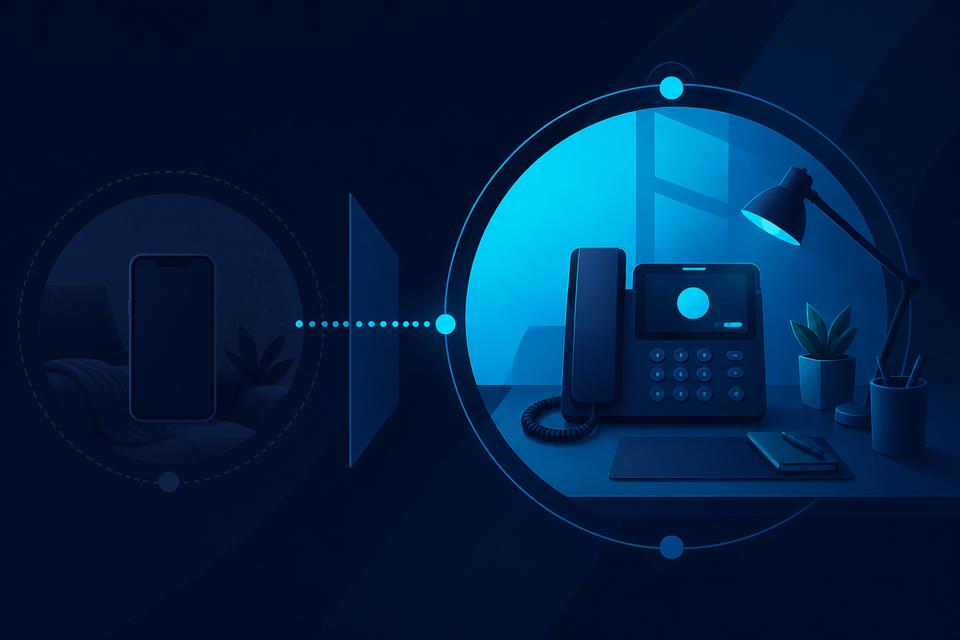
When your personal cell doubles as the company line, a home-based business phone system should present a professional business on every client call and keep work identity, voicemail, and texting off your private number. This guide connects that split to number setup, softphones, home-office e911, and network choices—not feature shopping.
This guide is for home-based entrepreneurs and solopreneurs. We are going to look past the marketing brochures and break down exactly what a home-based business phone system should do for your bottom line. We will cover separating personal lines, softphones, USB headsets, home Wi-Fi QoS, explain the exact features worth paying for, and help you avoid the expensive traps that catch too many buyers.
The Financial Reality of Telecom in 2026
Most operators look at their phone bill as a fixed utility. That is a mistake. In 2026, your communication stack is an operational tool. FCC data shows fixed VoIP adoption hit 83.6 percent across VoIP provider comparison businesses, which means standard analog lines are essentially legacy artifacts. The hardware breaks, parts are impossible to find, and carrier support is practically non-existent. Moving to a modern home-based business phone business VoIP phone system features system is not about adding flashy features you will never use. It is about stopping the bleed of maintenance costs and lost productivity.
Think about a typical Tuesday afternoon. A customer calls. If the line is busy or rings endlessly, they do not leave a voicemail. They hang up and call the next business on their search list. Every dropped call has a clear dollar value. You need a system that routes calls predictably, every single time. That requires understanding separating personal lines, softphones, USB headsets, home Wi-Fi QoS and how they map to your daily operations.
Network Readiness: Do Not Skip This Step
Call quality complaints almost always start at the router, not the phone system. You can buy the most expensive home-based business phone system on the market, but if your local network cannot prioritize voice traffic, calls will sound like a broken radio. Voice data requires immediate priority over regular internet traffic. When someone downloads a massive file, your phone calls should not drop.
Before you sign a contract, check your bandwidth. You need to configure Quality of Service (QoS) on your router to tag voice packets as high priority. A simple internet speed test is not enough. You need to measure jitter and latency. High latency creates that awkward delay where two people talk over each other. Jitter causes words to drop out entirely. Fix your network before you plug in a single phone.
Evaluating Features You Will Actually Use
Sales reps love to demo a hundred features on a single dashboard. Ignore them. Focus on the core mechanics. Does the auto attendant work cleanly? Can you change the holiday hours yourself in under five minutes, or do you have to submit a support ticket and wait three days? Simplicity is the metric that matters most. Your staff needs to learn this system quickly. If the interface requires a manual, it is too complicated.
- Check how calls route during off-hours.
- Test the mobile app on a spotty cellular connection.
- Verify that voicemails transcribe accurately to email.
- Ensure your E911 location data updates instantly when a device moves.
You want to pay for separating personal lines, softphones, USB headsets, home Wi-Fi QoS, not a bloated software suite. Ask the vendor directly what their uptime Service Level Agreement (SLA) covers. A 99.9% SLA still allows for almost nine hours of downtime a year. Decide if your business can survive being offline for a full working day.
Security and Compliance in Modern Voice Systems
Phone calls are data. In 2026, treating voice traffic with less security than your email is a massive risk. A compromised phone system can lead to toll fraud, where hackers hijack your lines to make thousands of international calls over a weekend, leaving you with the bill. This happens to small and large businesses alike. Your home-based business phone system must support transport layer security (TLS) and secure real-time transport protocol (SRTP) to encrypt calls from the handset to the data center.
If you record calls, understand the legal landscape. Two-party consent states require clear disclosures before recording starts. Storing those recordings means you are now holding potentially sensitive customer data. Ask your vendor where the recordings live, who holds the encryption keys, and how long the data persists before automatic deletion. Do not accept vague answers.
2026 home-based business phone context
Interconnected business VoIP is now the default access layer for U.S. businesses (~83.6% of fixed business voice, FCC June 2025). Home-based operators get the same cloud tools as downtown offices; failures are almost always identity mix-ups, Wi-Fi contention, and outdated e911—not missing features.
Home office checklist for small businesses
- Publish one business number on web, email, and invoices.
- Use MFA on the phone admin portal even as a solo founder.
- Prefer wired Ethernet for the primary desk phone or softphone.
- Document after-hours routing so personal devices are not the only backup.


